Account & support
How to install Little Gift List
Little Gift List works in a web browser. Supported Android installations can also offer sharing into the app from Android’s Share menu.
Step by step
To use the browser version, visit the Little Gift List homepage and open or create your plan.
If your browser offers Install app or Add to Home screen, follow the on-screen steps for your device.
For the supported Android package, use the official Android page and follow its current download instructions.
After installing, open a product in your browser, choose Share and look for Little Gift List under the available apps.
If the Share target is not offered, copy a product URL and paste it into Import Gifts.
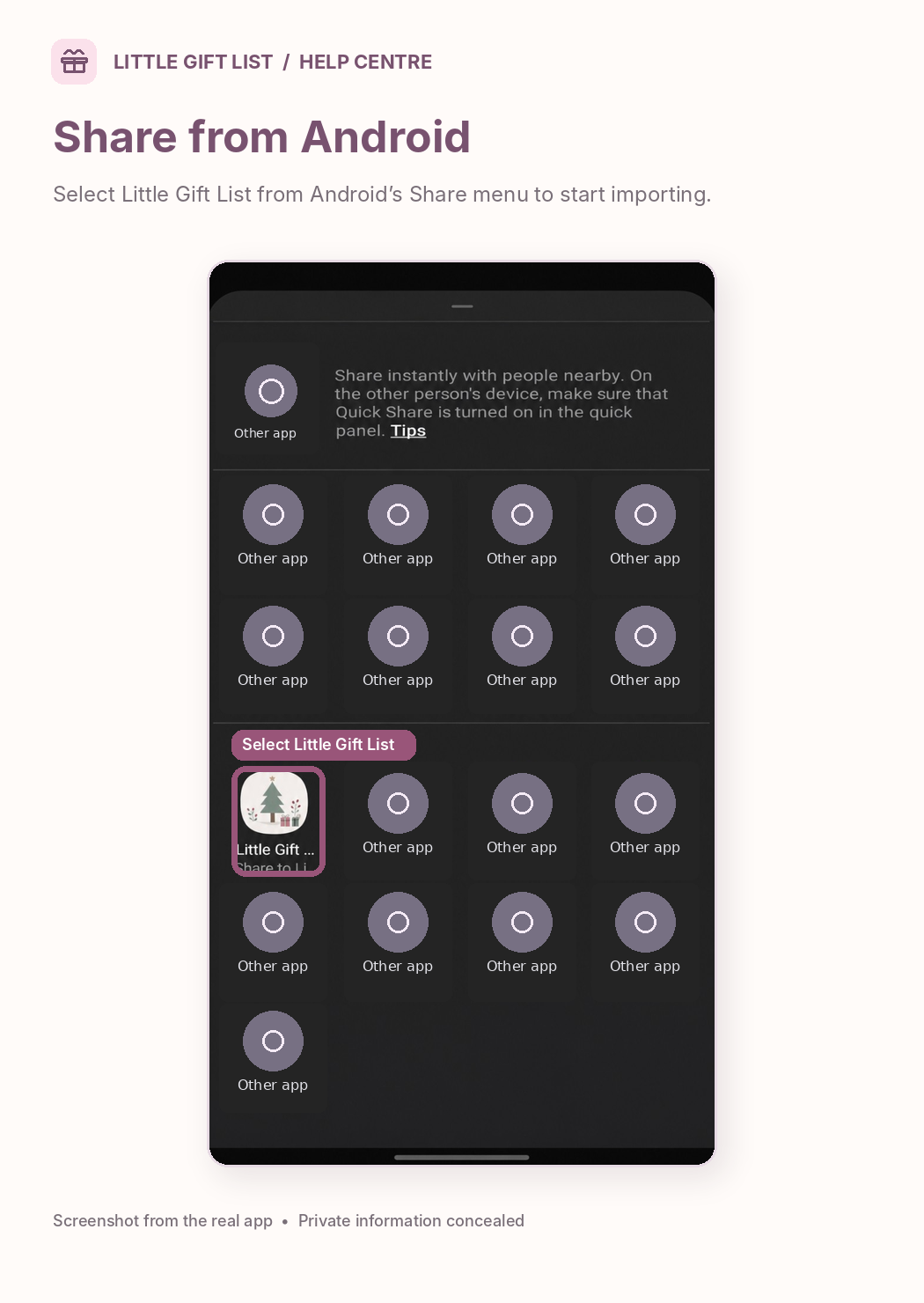
What you should see
You can use the app in a browser, or access supported installed Android features after following the current installation instructions.
If it doesn't work
Help tip 1
The Android installed app and a browser-installed PWA may offer different Share choices.
Help tip 2
An iOS native Share Extension and desktop browser-store extension are not confirmed shipped features.
Help tip 3
If Android does not show an installation or Share option, continue using the browser and manual link import.
Ready to try it?
Open Android App PagePrivate planning pages may ask you to sign in or use your existing guest session.
Still need a hand?
Tell us what you were trying to do. You can send a support request without signing in.
Contact support