Budgets & shopping
How to find and organise gifts when shopping
Use gift ideas and Gift Finder for inspiration, Deals & Offers to browse promotions, and Shopping Trip to work through planned purchases.
Step by step
Open a Christmas or birthday plan and add gifts you want to buy.
Browse gift ideas or Gift Finder when you need inspiration.
Check Deals & Offers for currently shown retailer promotions. Prices, stock and discounts can change.
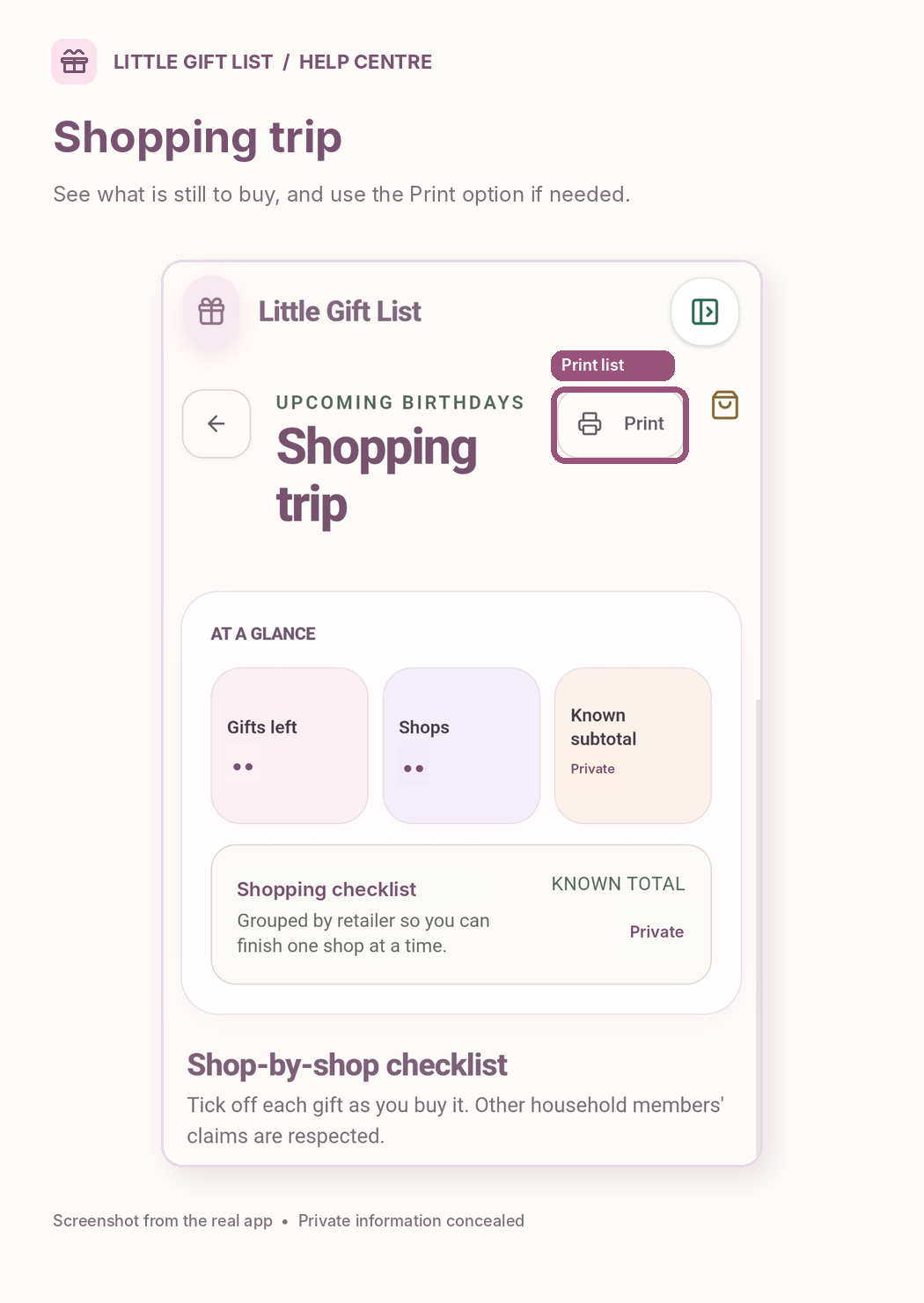
Open Shopping Trip to review remaining gifts grouped by shop, with the available print option.
Record purchases in your plan so the bought status and budget remain accurate.
What you should see
Shopping Trip lists gifts still to buy, grouped by retailer where details are available.
If it doesn't work
Help tip 1
Opening a shop does not automatically mark a gift bought.
Help tip 2
If a planned gift is missing from Shopping Trip, check whether it is marked bought or has not yet been assigned.
Help tip 3
Review retailer prices and promotion terms before checkout.
Ready to try it?
Open Shopping TripPrivate planning pages may ask you to sign in or use your existing guest session.
Still need a hand?
Tell us what you were trying to do. You can send a support request without signing in.
Contact support